
Cursor has crossed $500M ARR. Claude Code has become the default terminal-based coding agent. Windsurf is growing fast with a loyal following. These tools are genuinely impressive at writing code, debugging problems, and navigating codebases.
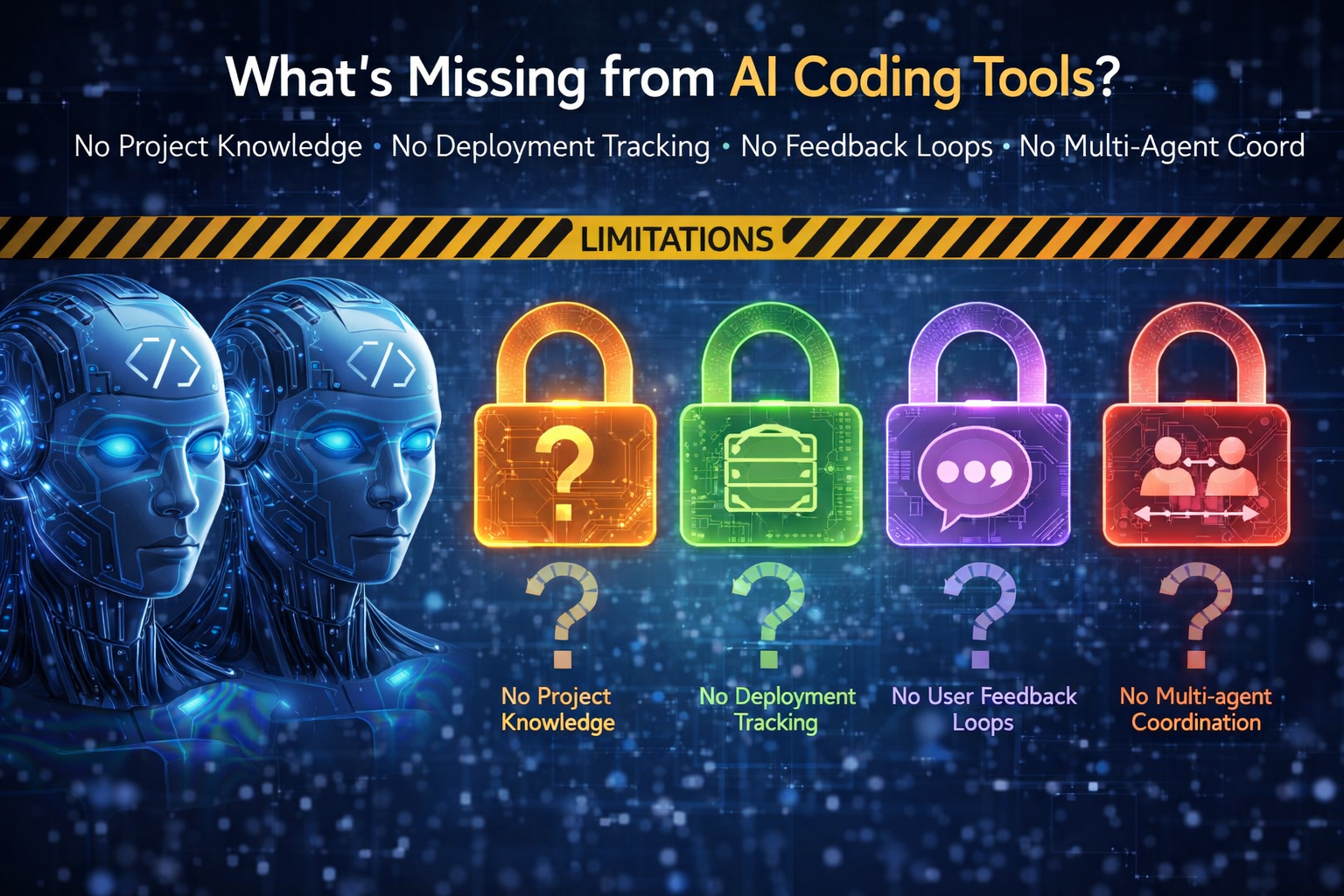
But they all share the same blind spots. And the blind spots aren't about code quality — they're about everything around the code.
Blind Spot 1: They Don't Know What They Did Yesterday
Every session starts cold. The agent has no memory of previous sessions beyond whatever fits in a flat configuration file. Claude Code has CLAUDE.md and Auto Memory. Cursor has .cursorrules. Windsurf has its own project settings. All of these are flat text files loaded into the context window at session start.
These files work for small projects. They break at scale when your project has six months of accumulated decisions, patterns, warnings, and conventions that collectively define how the codebase works.
The deeper problem isn't just memory — it's structured memory. Knowing that "we chose cursor-based pagination" is useful. Knowing it's a decision made on March 3rd, tagged with api and database, with a rationale about concurrent inserts — that's useful in a different way. It means the agent can find it when it's relevant and ignore it when it's not.
None of the three tools offer structured, typed, queryable project knowledge. They all offer flat text that competes for context window space with your actual work.
Blind Spot 2: They Don't Track What They Ship
Your agent just spent three hours implementing a new feature. It rewrote four files, added a migration, and updated the API. Now what?
The agent doesn't create a changelog entry. It doesn't log a deployment event. It doesn't record what changed, when, or why. Tomorrow's session has no record of today's work beyond whatever the git log shows — and the git log doesn't capture the reasoning, the trade-offs, or the user-facing description.
Changelogs are treated as a separate, manual process. But the agent that built the feature is the entity best positioned to document it — it just did the work. The knowledge is freshest at the moment of completion, and that's exactly when none of these tools capture it.
The same applies to deployment tracking. If your agent deployed version 2.4.1 to production at 3pm, that fact should be recorded somewhere the next session can find it. Not in a git tag. Not in a Slack message. In a persistent, queryable timeline that the agent consults at session start: "What happened since I was last here?"
Blind Spot 3: They Can't Hear Your Users
Your users are submitting bug reports. They're requesting features. They're telling you the search is slow, the export is broken, the dark mode flickers on page load. This feedback lives in Jira, Linear, GitHub Issues, Intercom, email — places your AI agent can't access or query.
The agent that's about to start working on the frontend has no idea that three users reported a CSS rendering bug this week. The agent that's planning the next sprint has no access to the feature requests that would inform its priorities.
The feedback loop between users and the AI agent that builds the product is completely broken. The developer acts as a manual relay: read the feedback, summarise it, paste it into the conversation, hope the agent factors it in.
What if the agent could query an inbox directly? "Show me all open bug reports tagged performance." "What are users requesting for the export feature?" "Are there any high-priority issues I should know about before starting work?" The feedback is already structured — type, status, priority. The agent just needs access to it.
Blind Spot 4: They Can't Follow Procedures
Deployments have steps. Incident response has steps. Client onboarding has steps. Database migrations have steps. These procedures exist as wiki pages, Notion docs, or tribal knowledge — none of which an AI agent can execute step by step with progress tracking.
An agent can write deployment code. But it can't follow a 10-step deployment procedure where step 4 depends on the outcome of step 3, step 7 requires human approval, and the whole thing needs to survive a session interruption at step 6. If the session dies mid-procedure, the next session has no idea where things stand.
This is the difference between an agent that writes code and an agent that operates on a project. Operations require sequential, stateful procedures with branching, checkpoints, and persistence. None of the three tools provide this natively.
Blind Spot 5: They Don't Know Who They Are
When you start a Claude Code session, the agent is a generic assistant. It doesn't have a defined role, specific tool permissions, or pre-loaded project knowledge beyond CLAUDE.md. You can guide it with prompts, but there's no persistent identity that carries across sessions.
For single-developer, single-agent workflows, this is manageable. But the moment you want multiple agents with different roles — a code reviewer that can only read files, a documentation updater that follows your voice guidelines, a security auditor that checks for vulnerabilities — you're configuring each one from scratch every session.
The concept of agent identity — who is this agent, what is it allowed to do, what context does it need, what should it load at startup — doesn't exist as a persistent, shared configuration. Each session reinvents the agent from the conversation prompt.
And multi-agent coordination is even further out. If your main agent delegates a code review to a subagent, there's no structured way to pass the right project context to that subagent. The orchestrator has to manually inject relevant rules and patterns into the subagent's prompt. There's no registry of available agents, no pre-defined context requirements, no bootstrap mechanism that loads everything in one call.
Blind Spot 6: They Don't Know Your Design System
Every time an agent builds UI, it makes design choices. Colours, spacing, typography, border radius, button variants, layout patterns. Without a queryable design system, those choices come from the model's training data — not from your project's established visual language.
You can describe your design system in CLAUDE.md. "Primary colour is #6366F1. Use 1rem padding on cards. Buttons have rounded-lg corners." But as soon as you have 15 components with variants, states, and sizes, you're back to the flat-file scaling problem.
A structured design system that the agent queries — "what does a primary button look like in its hover state?" — would produce consistent UI without burning context window space on component definitions the agent isn't currently using. Token values, component definitions with variants and states, layout patterns, and voice rules for UI copy — all queryable on demand.
None of the three tools have this. They all rely on the developer describing the design system in text or hoping the agent infers it from existing code.
Why These Blind Spots Exist
It's not incompetence. Cursor, Claude Code, and Windsurf are focused on the core loop: you describe what you want, the agent writes code. They're optimised for code generation, code editing, and codebase navigation. They're very good at these things.
The blind spots are infrastructure concerns that sit outside the core coding loop:
- Memory is a persistence problem
- Changelogs are a publishing problem
- Feedback is an ingestion and query problem
- Procedures are a state machine problem
- Agent identity is a configuration management problem
- Design systems are a structured data problem
Each of these is solvable but none of them is a natural extension of a code editor or a terminal agent. They're infrastructure — the kind of thing you build once and connect to, not something you bolt onto an IDE. This is the context engineering problem that the industry is only beginning to address.
This is also why these blind spots are unlikely to be fully solved by the coding tools themselves. Cursor's job is to be the best editor. Claude Code's job is to be the best terminal agent. Adding a changelog hosting service, a feedback widget, a runbook execution engine, and a design system API to each of them would be a distraction from their core product.
The Infrastructure Layer
The pattern across all six blind spots is the same: the agent needs a persistent, structured, queryable service that sits outside the coding tool.
Not a local file. Not a vector database. Not another AI layer that processes and summarises. Just a structured data store with an API that the agent can read from and write to — designed for how AI agents work, not how humans browse dashboards.
This is the layer that's emerging in the AI development stack:
- AI models (Claude, GPT, Gemini) provide intelligence
- Coding tools (Cursor, Claude Code, Windsurf) provide the interface
- Infrastructure services provide persistence, communication, and coordination
The third layer is what's missing. And it's what turns a stateless coding assistant into a stateful development partner that accumulates knowledge, tracks operations, hears users, follows procedures, and maintains a consistent identity across sessions.
What This Looks Like When It Works
Imagine starting a coding session and the agent already knows:
- The 20 most important rules for your project (loaded by priority)
- That version 2.4.1 was deployed yesterday at 3pm (from the event timeline)
- That three users reported a CSS rendering bug this morning (from the feedback inbox)
- That a deployment runbook is paused at step 6 waiting for your approval (from the runbook service)
- That it's the "senior developer orchestrator" with access to three subagents: code reviewer, documentation updater, and security auditor (from its agent definition)
- That primary buttons use #6366F1 with 0.5rem 1rem padding and rounded-lg corners (from the design system)
All of that loads in a single call at session start. The agent doesn't ask you to re-explain anything. It doesn't miss a critical rule because it was buried on line 347 of a flat file. It knows the project the way a senior developer knows the project — through accumulated, structured, accessible knowledge.
That's not science fiction. Every capability in that list exists today. The individual services are built. The infrastructure layer is real. The question is whether it becomes part of the standard AI development workflow or remains something only the most intentional developers set up.
Choosing Your Infrastructure
If you're evaluating infrastructure for your AI coding workflow, here's what to look for:
MCP-native. The service should connect to your coding tool via MCP, not require a separate app or manual copy-paste. The agent should be able to read and write without you acting as a relay.
Structured, not flat. Entries should have types, tags, priorities, and scopes. Not just text in a database. Structure is what enables selective loading and prevents the scaling problems of flat files.
Hosted, not local. Your project knowledge should be accessible from any machine, any editor, and any team member's agent — not locked in a local file system.
Agent-first, not human-first. The API and data formats should be designed for machine consumption. Structured JSON, consistent error responses, queryable endpoints. A dashboard is nice for oversight, but the agent is the primary user.
Pay-as-you-go, not subscription-tiered. Your usage will be unpredictable — some weeks heavy, some weeks light. Pay for what you use, not for a tier you might outgrow or underuse.
Minolith checks all of these boxes. It's a hosted API platform with six services — Context (free structured memory), Changelog, Feedback, Runbooks, Agents, and Styleguide — all accessible via a single MCP connection. But the criteria above apply regardless of which tool you choose. The important thing is that the infrastructure layer exists in your workflow, not which specific service provides it.
Getting Started
You don't need to adopt everything at once. Start with the blind spot that hurts most:
- Sessions start cold? Set up persistent structured context.
- No record of what shipped? Connect a changelog service.
- Users reporting bugs you never hear about? Add a feedback widget.
- Deployments are inconsistent? Define a runbook.
- Agents behave differently every session? Create an agent definition.
Each one is independently valuable. Together they compound — the agent that knows the project rules, tracks deployments, reads user feedback, follows procedures, and has a consistent identity is a fundamentally different tool than one that starts from zero every session.
The coding tools will keep getting better at writing code. The gap isn't code quality. The gap is everything around the code. That's the gap to fill.
Built by Minolith — micro-services for AI coding agents.